
Month: May 2026
-

Escalating Update Decisions to Oracle Update Advisor
The content discusses the role of Oracle Update Advisor in assisting DBAs with patch management decisions. While automation tools efficiently execute patches, they lack the capability to evaluate whether updates align with an organization’s needs. Oracle Update Advisor addresses this gap by providing status indicators and allowing customization of maintenance policies to better reflect operational realities.
-

How to Configure RHP Server for Oracle FPP Local Mode in 19c Oracle RAC
The Oracle Fleet Patching and Provisioning (FPP) local mode, in 19c environments, mandates a Grid Infrastructure Management Repository (GIMR) for local automation. Users must configure GIMR when components are missing or when it was not initially installed. The MDBUtil tool assists with setting up GIMR, ensuring the environment is adequate for running FPP local mode. Additionally, commands for managing Cluster Health Monitor resources are outlined in this post.
-

Fixing “Wallet Key Needed” Errors During Oracle PDB Migration Despite No Encrypted Tablespaces
This post details a specific challenge encountered during a non-CDB to PDB migration when the database remained in RESTRICTED mode due to encryption-related errors. The issue arose from a missing TDE key, despite the absence of encrypted tablespaces. The process of locating the required master key is described with merging it into the CDB wallet, and ultimately exporting and importing the key to resolve the violation.
-
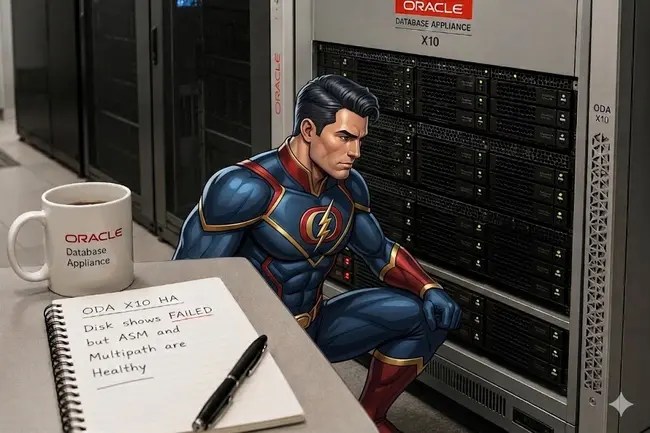
Oracle Database Appliance Disk State FAILED / DiskRemoved but ASM Healthy: Troubleshooting Guide
While working with an Oracle Database Appliance, an inconsistency arose between the management layer and the storage stack, leading to a disk reported as “FAILED” by odaadmcli. Further investigation revealed the disk was fully operational, with ASM actively using it. Troubleshooting involved validating multipath status, ASM state, and using the odaadmcli stordiag command. A file synchronization issue was discovered, which was resolved by restarting the OAK daemon, returning the disk to an “ONLINE” state.

